

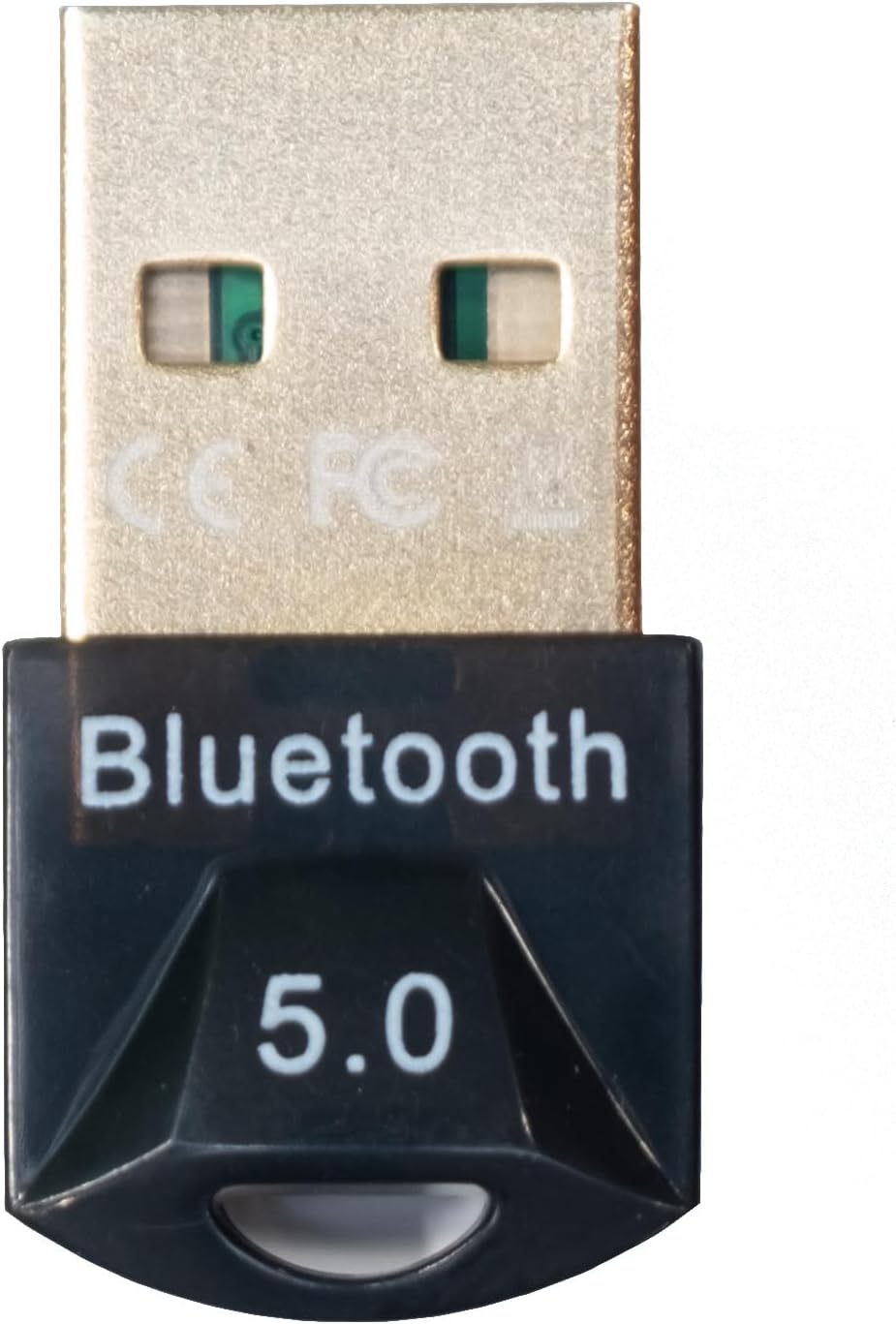
Logitech Bluetooth 5.0 Bluetooth Adapter - New
Product details
| Management number | 208615256 | Release Date | 2026/03/22 | List Price | $29.21 | Model Number | 208615256 | ||
|---|---|---|---|---|---|---|---|---|---|
| Category | |||||||||
Connects Logitech Zone Wireless Plus Certified for Microsoft Teams headset and additional Logitech Unifying peripherals using one USB-A receiver.KEY FEATURES |SIX DEVICES. ONE RECEIVER. Free up USB ports. Logitech Unifying™ + Audio Receiver connects up to six other Logitech Unifying wireless products with this single USB-A receiver. No more choosing between your headset, mouse, or other peripherals: now you can use them at the same time. REPLACING YOUR RECEIVER Seamlessly connect your new Zone Wireless Plus receiver using the Logi Tune desktop app. Plug in the new receiver, download and open the app, and follow the instructions to connect all of your previously used peripherals. Each Unifying + Audio receiver connects up to six other Logitech Unifying wireless products. RELIABLE CONNECTION With advanced 2.4 GHz wireless technology and Bluetooth® 5.0, Logitech Unifying + Audio Receiver ensures reliable connections that work up to 10 m away from mice and keyboards and up to 30 m away from the headset. Keep your peripherals connected without delays and dropouts. SIMPLE SETUP Simply download Logi Tune desktop app and pair your Logitech Wireless peripherals with the Logitech Unifying + Audio Receiver. The technology remembers your devices and automatically connects to them all when you turn on your computer. So when you're ready to talk or listen to music, your devices are ready too.
- Easy to install
- Environment friendly
| Item Weight | 5.6 ounces |
|---|---|
| Manufacturer | Logitech |
| Item model number | 981000963 |
| Product Dimensions | 0.2 x 0.6 x 1.4 inches |


Bestseller ranking
Bluetooth Network Adapters




Correction of product information
If you notice any omissions or errors in the product information on this page, please use the correction request form below.
Correction Request Form