

RF366A Replacement Remote Control Compatible for OKIN Sealy Tempur-Pedic Ease Power Base 2.0/3.0/4.0/ Adjustable Bed JLDK.32.01.06
Product details
| Management number | 214916764 | Release Date | 2026/04/12 | List Price | $15.55 | Model Number | 214916764 | ||
|---|---|---|---|---|---|---|---|---|---|
| Category | |||||||||
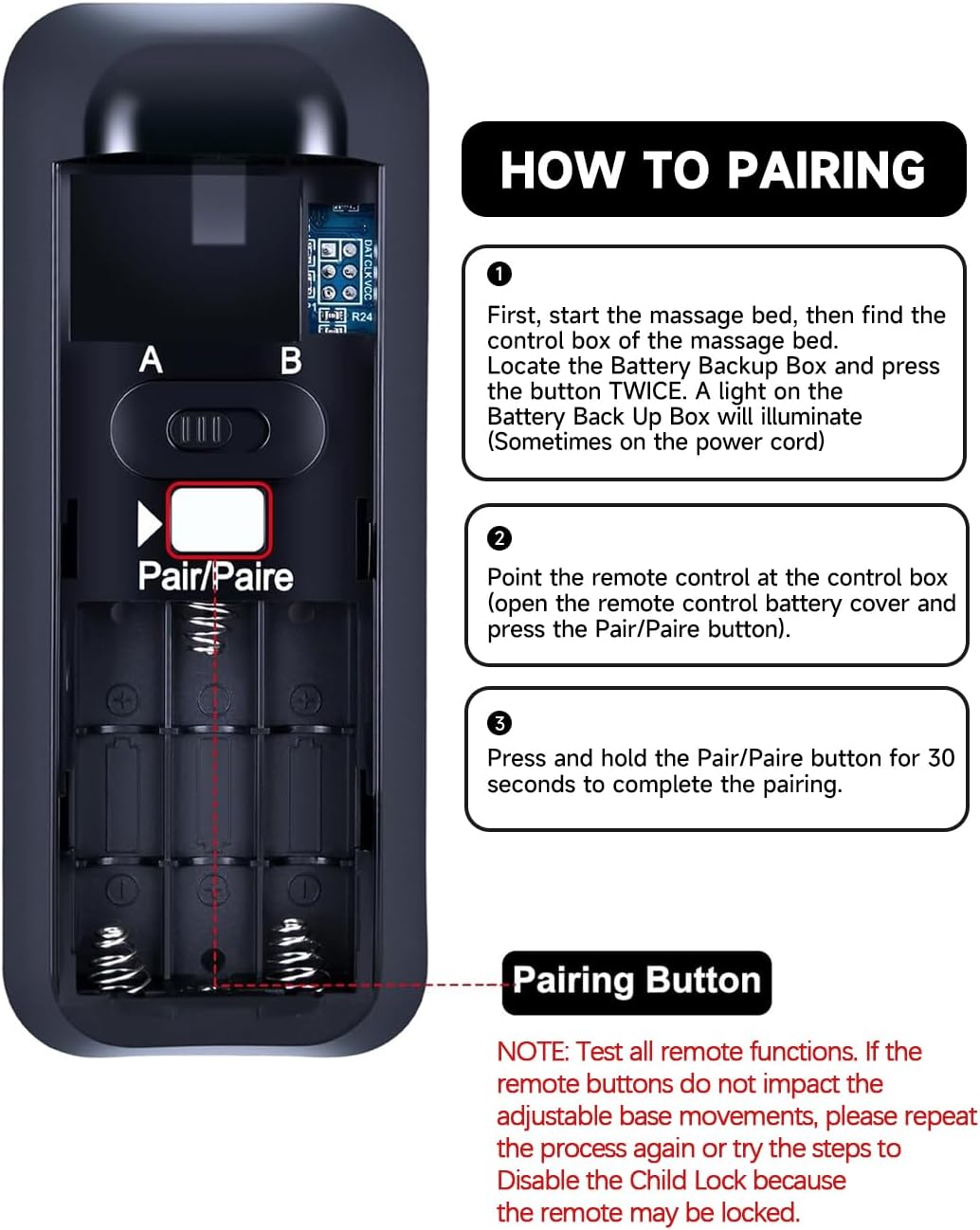
How to pairing: Step 1: Please ensure your base remote has fresh batteries. Step 2: Locate the Battery Backup Box and press the POWER DOWN button twice. A light on the Battery Backup Box will illuminate. Step 3: On the back of the remote, press and hold down the PAIR button. The PAIR button will illuminate blue and start flashing. When the PAIR button stops flashing, the illuminated light on the Battery Backup Box will go out. Step 4: Release the PAIR button and test all remote functions. NOTE: Test all remote functions. If the remote buttons do not impact the adjustable base movements, please repeat the process again or try the steps to Disable the Child Lock because the remote may be locked.
- Compatible with OKIN Sealy Tempur-Pedic Ease Power Base 2.0/3.0/4.0/ Adjustable bed
- How to pairing: Step 1: Please ensure your base remote has fresh batteries. Step 2: Locate the Battery Backup Box and press the POWER DOWN button twice. A light on the Battery Backup Box will illuminate. Step 3: On the back of the remote, press and hold down the PAIR button. The PAIR button will illuminate blue and start flashing. When the PAIR button stops flashing, the illuminated light on the Battery Backup Box will go out. Step 4: Release the PAIR button and test all remote functions.
- NOTE: Test all remote functions. If the remote buttons do not impact the adjustable base movements, please repeat the process again or try the steps to Disable the Child Lock because the remote may be locked.
- 【High Quality】:Made of High Quality ABS material, which is resistant to falling and has no peculiar smell, Built to Last for Long Lasting Use, and also keeps you and your children away from harm.
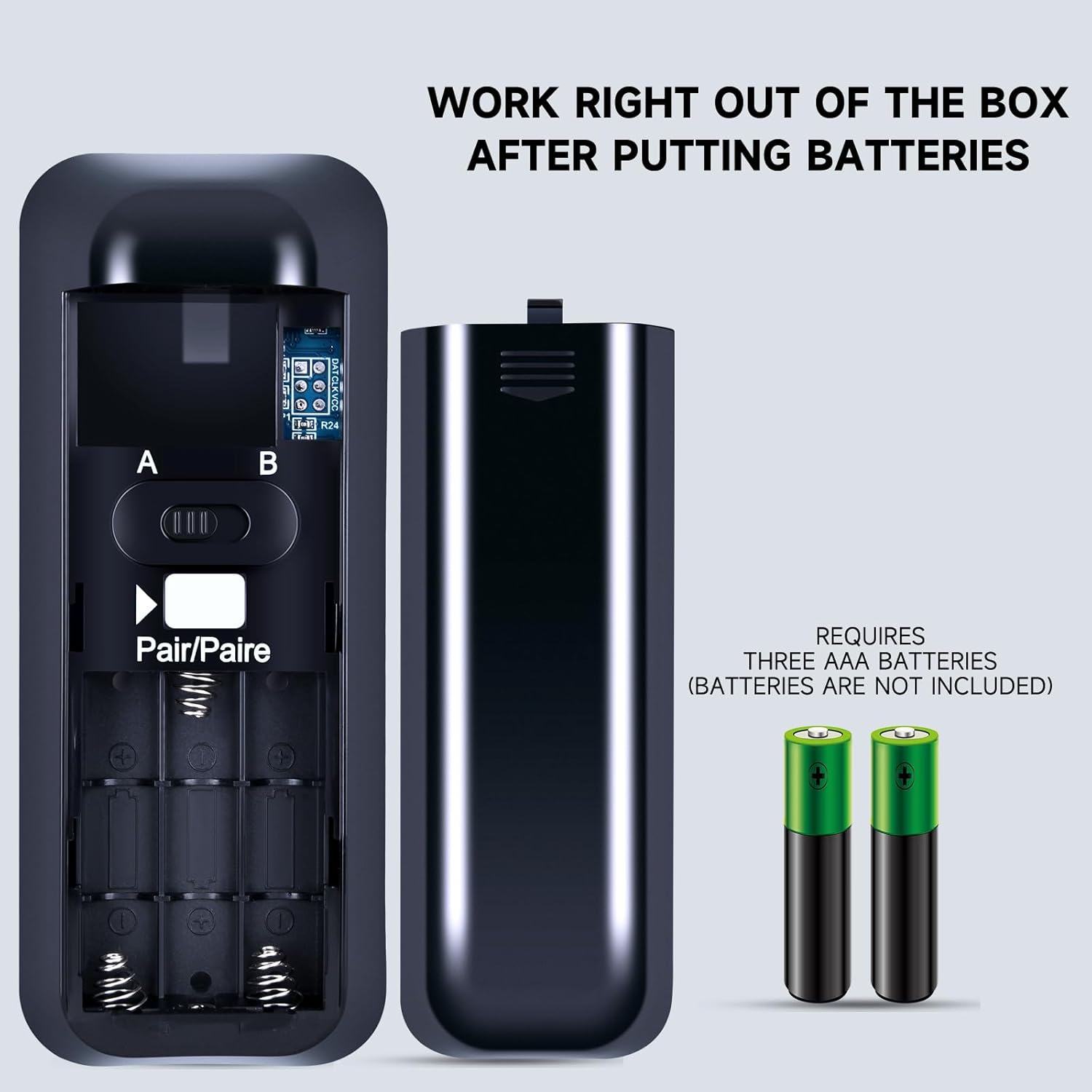
- 【Easy to use】:Easy to Pairing or setup, After inserting the battery(Not included), Simply follow the pairing steps until successful, and it will perfectly replace your original remote
- 【Premium After-sale】:We provide a 1 year warranty return service. If you have any questions about your order, please feel free to contact us directly and we will get back to you within 12 hours.
| Brand | ZWP |
|---|---|
| Color | black |
| Model Name | RF368B |
| Item Weight | 0.12 Pounds |
| Manufacturer | ZWP |
| Model Number | RF368B |
| Maximum Range | 10 Meters |
| Button Quantity | 2 |
| Controller Type | Button Control |
| Compatible Devices | Adjustable Base Bed |
| Additional Features | Ergonomic |
| Connectivity Technology | Infrared |
| Maximum Number of Supported Devices | 1 |


Bestseller ranking
Bed Parts



Correction of product information
If you notice any omissions or errors in the product information on this page, please use the correction request form below.
Correction Request Form