

Workstations MBSS Security Strap Kit
Product details
| Management number | 219718490 | Release Date | 2026/05/03 | List Price | $8.20 | Model Number | 219718490 | ||
|---|---|---|---|---|---|---|---|---|---|
| Category | |||||||||
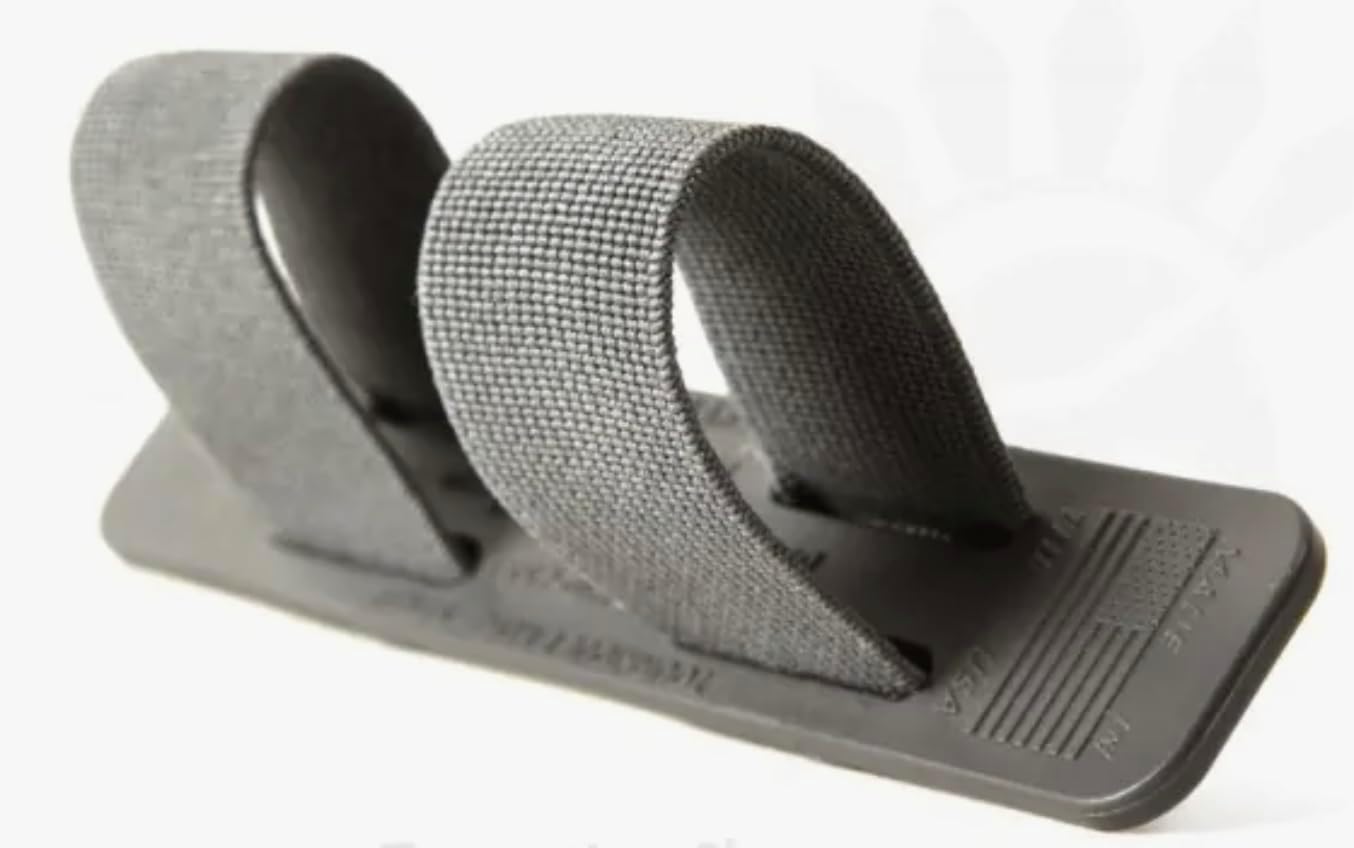
The MagBench Security Strap provides extra protection to ensure that your laptop computer will not fall or be pulled off of the MagBench Workstation. Installation: Hinged Version: Remove the two outer back plate hinge screws and install the two new longer screws provided in the kit, tightening until snug and flush on the hinge. Next, position the left strap clip with the flat side down, over the left hinge screw and install the lock nut. Tighten the nut until snug. Then, install the right side strap the same way on the right hinge screw. Molded Version: Insert the 3/8” long self-tapping screw through the left strap clip with the flat side down and position it over the hole just above the bottom magnet. Tighten the screw until snug. Install the right side strap the same way on the right side. To use your MagBench Security Strap, fold the left side strap over the laptop just below the screen. Then, position the right side strap over the left and press firmly to engage the Velcro®. To remove, pull on the right side strap pull-tab. When not in use, lay the straps between the front and back panels and close the MagBench.
- Velcro straps to secure laptop to workstation
- Works with MagBench Standard or MagBench Utility (old & new molded version)
- Easy to assemble
- Kit includes: 2 Velcro straps, 4 screws, and 2 nuts
| UPC | 864237000017 |
|---|---|
| Color | Red |
| Brand Name | MagBench |
| Unit Count | 1.0 Count |
| Manufacturer | Magnitude Products, LLC |
| Model Number | MBSS |
| Fastener Type | Hook & Loop |
| Material Type | Velcro straps |
| Item Type Name | Laptop straps |
| Number of Pieces | 8 |
| Hardware Material | Stainless Steel |
| Included Components | 2 Velcro straps, 2 screws, and 2 nuts. |
| Manufacturer Part Number | MBSS |
| Compatible with Vehicle Type | Passenger Car, Truck, Van |
| Global Trade Identification Number | 00864237000017 |

Bestseller ranking
Pressure Hoses


Customers who viewed this product also viewed
Securing Straps




Correction of product information
If you notice any omissions or errors in the product information on this page, please use the correction request form below.
Correction Request Form